
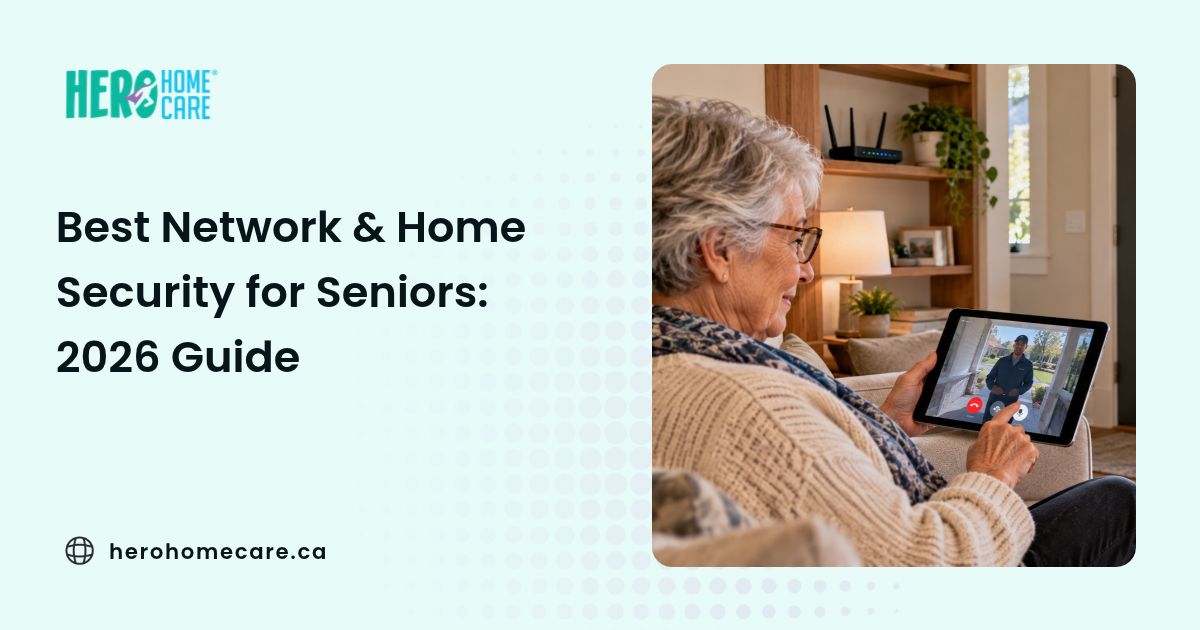
The best network security equipment for seniors should protect connected devices without making everyday technology harder to use. A suitable home setup may combine a secure router, carefully managed accounts, and physical equipment such as locks, doorbells, lighting, or sensors based on what the older adult actually needs.
Older adults can face both physical and digital security concerns, from unauthorized entry and misleading visitors to phishing, account theft, and privacy exposure. However, these risks do not all have the same solution. A camera cannot secure an online account, and a protected Wi-Fi network cannot prevent every scam or physical intrusion.
Connected home security can also involve several different layers. Physical equipment controls or monitors access to the home, network security protects connected devices and communications, account security restricts administrative access, and privacy settings determine who can view household information.
There is no universally best home security for seniors. A suitable choice depends on the older adult’s preferences, comfort with technology, home layout, existing connectivity, ongoing costs, maintenance requirements, and the support available when equipment needs attention.
The products mentioned in this guide are representative examples used to explain different feature categories. They are not ranked recommendations. Features, compatibility, subscriptions, Canadian availability, and manufacturer support should be verified for the exact model before purchase.
This guide explains how network and smart-home security fit together, what different equipment categories can and cannot do, which privacy questions families should ask, and where technology fits within broader aging-in-place planning.
Here is the Quick Answer:
- Physical security, network protection, account security, and privacy controls address different risks.
- Start with a defined household need rather than the product with the longest feature list.
- Check usability, maintenance, compatibility, permissions, privacy, ongoing costs, and outage behaviour before buying.
- Routers, mesh systems, firewalls, smart locks, cameras, medical-alert systems, and household sensors have different functions and limitations.
- Technology can support aging in place, but it cannot replace practical human assistance when daily care is needed.
Why Network Security Matters to Physical Home Security for Seniors
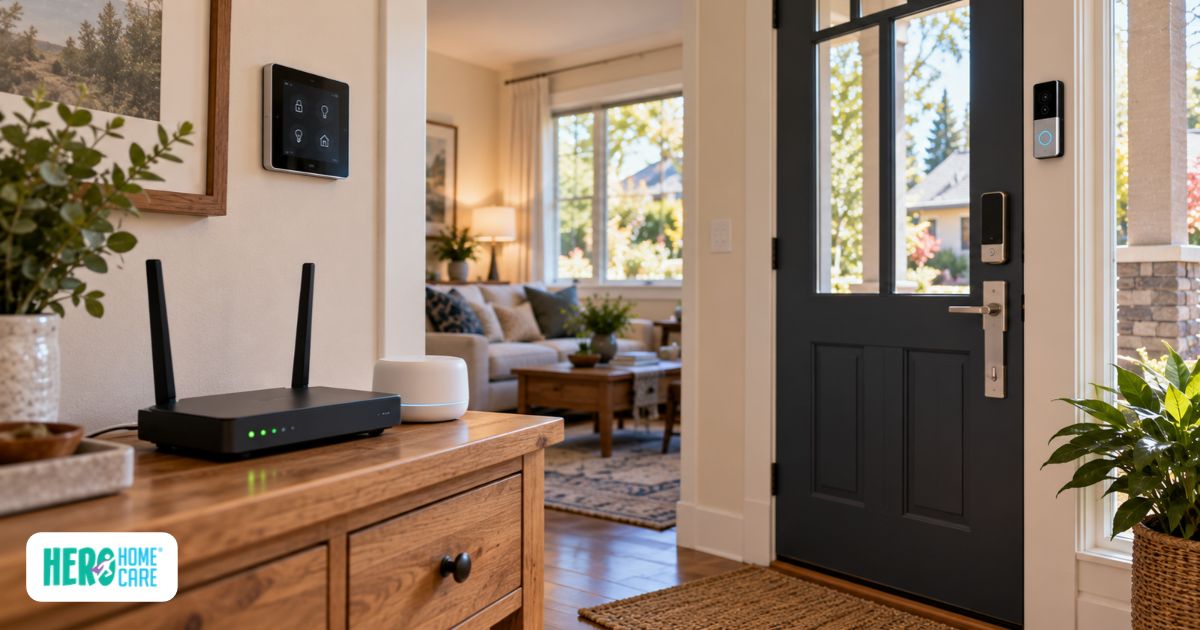
Network security matters when a smart lock, video doorbell, camera, sensor, smart home hub, or similar device depends on a household network or online account. The strength of that connection affects which features are available and what happens when internet or power service is interrupted.
A smart lock may use an app and cloud account to manage permissions. A video doorbell may require network access for remote viewing or notifications. A smart home hub may connect several devices and routines through one system.
Medical-alert equipment should be assessed separately rather than assumed to work through Wi-Fi. Depending on the product, a system may use cellular service, a landline, Wi-Fi, Bluetooth, a base station, or a combination of connections. Families should confirm how the exact system communicates and what happens if one connection becomes unavailable.
Not every connected device depends entirely on the internet. Some locks retain keypad or physical-key access, while certain cameras, sensors, and hubs may provide limited local functions. The exact behaviour depends on the product, its power source, and how it has been configured.
It helps to separate four parts of a connected senior home:
- Physical security: Controls or monitors entry into the home.
- Network and device security: Protects connected equipment and communications.
- Account security: Limits who can control settings, view records, or change permissions.
- Privacy: Determines what information is collected and who can access it.
Improving one layer does not automatically protect the others. A strong Wi-Fi password does not determine who can view stored camera footage. A secure camera account does not make the front door physically resistant to forced entry.
A compromised device, network, or administrative account may create opportunities for unauthorized access, service disruption, or privacy exposure. The exact consequences depend on the equipment involved, so families should avoid assuming that a network breach automatically allows someone to disable every device or access personal banking information.
Before installation, understand how each device connects, who will administer it, which functions depend on cloud services, and what remains available during an outage. Detailed maintenance, privacy, and compatibility questions are covered in the buying checklist later in this guide.
Network security is only one part of broader home safety planning. Accessibility, physical hazards, emergency arrangements, and everyday routines require separate consideration.
Network Security Equipment That Can Help Protect Seniors from Cyber Threats
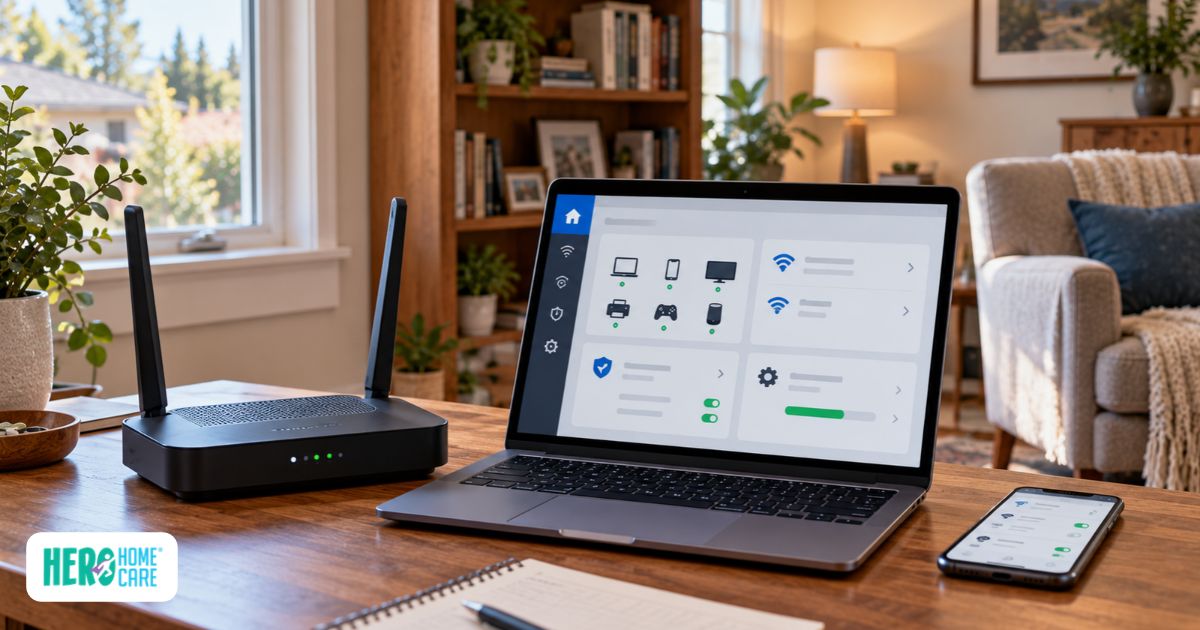
The best network security equipment for seniors usually involves a combination of manageable tools rather than one advanced device. Routers provide the core network connection, mesh systems improve coverage, hardware firewalls add deeper controls, and password managers or security keys strengthen compatible accounts.
Secure Wi-Fi Routers with Built-in Security and Family Management Controls
Secure Wi-Fi routers for elderly parents should be supported, manageable, and suitable for the home, not simply marketed with the largest number of advanced controls.
Useful capabilities may include:
- Automatic firmware and security updates
- WPA3 where supported
- A separate guest or IoT network
- Visibility of connected devices
- Notifications when a new device joins
- Malicious-domain or DNS filtering
- Remote administration through a protected account
Some routers and optional security services can block access to domains already identified as malicious. This adds a layer of phishing defence, but it cannot automatically block every harmful link before the person clicks. New phishing sites, fraudulent advertisements, phone scams, impersonation attempts, and social engineering may bypass network filtering.
For additional guidance on securing a home router, see the Canadian Centre for Cyber Security’s router cybersecurity best practices.
Related: A Caregiver’s Guide: Cyber Security and Internet Safety for Seniors
Representative platforms include eero, NETGEAR Orbi, and routers supporting ASUS AiProtection. Their features and costs are not interchangeable:
- eero distributes software updates on a rolling basis and may install them automatically. Some additional security and management features require eero Plus.
- Orbi is primarily a mesh Wi-Fi platform. NETGEAR Armor is an additional security service available on supported NETGEAR equipment.
- ASUS AiProtection features depend on the router model, supported firmware, and configuration.
Remote family management can be useful when an adult child provides technical support from elsewhere in Greater Vancouver. That access should be deliberate rather than automatic. Use separate permissions where supported, secure administrator accounts, and avoid sharing one general login among several people.
The older adult should understand who can manage the network and what that access permits whenever they can participate in the decision.
Hardware Firewalls and Mesh Systems for Different Whole-Home Needs
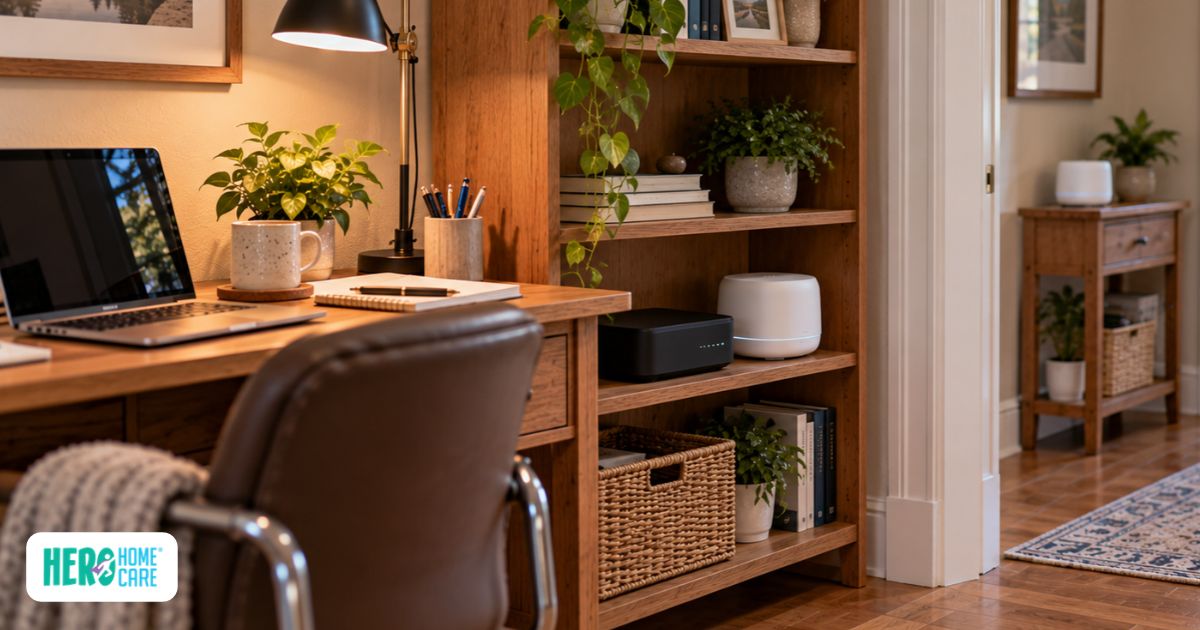
Mesh Wi-Fi and hardware firewalls perform different functions. A mesh system primarily extends wireless coverage across a home, while a dedicated firewall can provide deeper traffic controls, filtering, monitoring, or network segmentation.
Mesh coverage may be helpful in larger or multi-storey homes, including properties where walls, distance, or layout create weak-signal areas. Better coverage can make connected devices more reliable, but it cannot guarantee that cameras, sensors, or medical-alert equipment will never go offline.
Service can still be interrupted by:
- Internet outages
- Power loss
- Empty device batteries
- Hub or cloud-service interruptions
- Poor equipment placement
- Wireless interference
- Hardware failure
A product such as Firewalla Gold Plus represents the more advanced firewall category. It supports network segmentation and additional management controls but does not include built-in Wi-Fi. Separate wireless equipment is required, and Firewalla states that the product needs appropriate configuration and ongoing management.
Firewalla Gold Plus is primarily designed for professionally managed and business environments, so it is not a default recommendation for most households. Consider this type of firewall only when its advanced controls are genuinely needed and someone can manage the configuration and ongoing maintenance.
For many households, a supported router or mesh system with suitable security settings may be easier to maintain. A dedicated firewall may be useful when deeper control is genuinely needed and someone has the technical ability to manage it.
The more advanced product is not automatically the safer or more appropriate option. Maintenance capacity matters as much as the number of available features.
Password Managers and Physical Security Keys for Account Protection
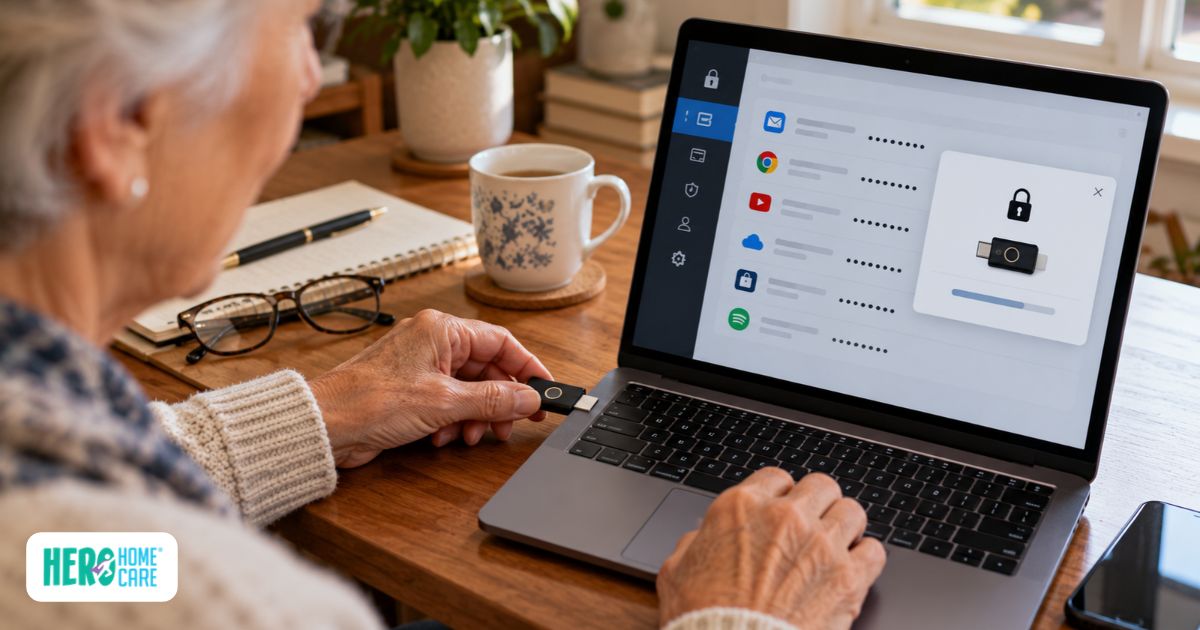
Password managers and physical security keys can reduce specific account-access and phishing risks. They cannot prevent every form of elder fraud, including impersonation, coercion, fraudulent transfers, investment scams, or situations in which someone is persuaded to authorize an action.
Related: How to Care for Aging Parents Who Live Far Away: A Long-Distance Caregiving Guide
A password manager can create and store unique passwords, reducing the need to reuse or remember multiple credentials. A family service such as 1Password Families can provide separate private vaults and shared vaults for information that genuinely needs to be accessible to more than one authorized person.
Private credentials should not automatically be placed in a shared vault. Families should also avoid relying on one shared master account. Any access arrangement should reflect the older adult’s preferences and the formal authority of the people involved.
A physical security key such as a YubiKey can provide phishing-resistant authentication for compatible services using standards such as FIDO2 and WebAuthn. The key helps verify that authentication is taking place with a legitimate service rather than relying only on a password or manually entered code.
Compatibility and recovery need to be planned before relying on a security key:
- Not every account accepts one.
- Some services require a different recovery method.
- Losing the only key may create access problems.
- A supported backup key or recovery process may be needed.
- The person must be comfortable using and storing the key.
These tools can reduce cognitive burden only when the setup remains understandable. A complicated recovery plan or unrestricted family access may introduce new risks instead of reducing them.
Physical and Smart Home Security Equipment for Aging in Place
Physical and smart-home equipment can address specific needs, such as managing authorized entry, checking who is at the door, improving visibility, or receiving an alert when a defined event occurs. No category is essential for every older adult.
The decision should begin with a practical question: What specific household problem are we trying to address?
A household concerned about authorized caregiver access has a different need from one addressing a dark hallway, an exterior door left open, or a possible water leak. Defining the problem first reduces the likelihood of installing intrusive or complicated equipment that no one can maintain.
Smart Locks with Separate Caregiver and Family Access
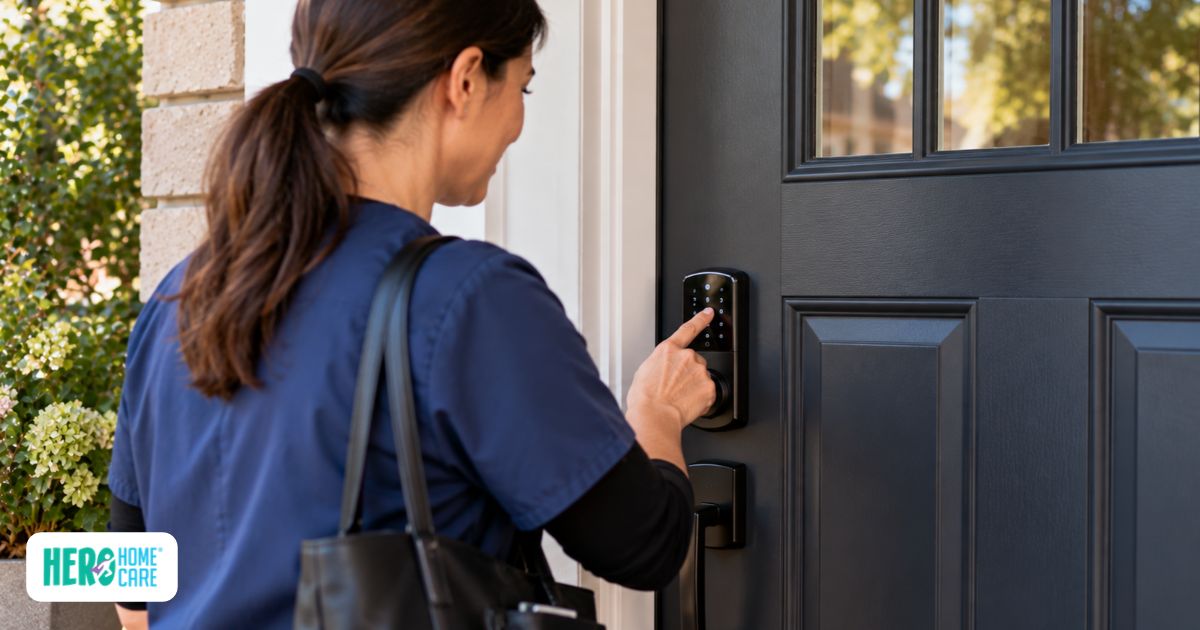
Some smart locks allow separate codes or digital credentials for authorized relatives, Heroes, nurses, or other approved visitors. Where the exact model supports individual access management, one person’s credential may be changed or removed without replacing access for everyone else.
This can make caregiver smart lock access easier to manage than distributing several physical keys. However, temporary codes do not automatically make access secure. Administrator permissions, code duration, account security, and physical backup entry still need attention.
Some locks also provide schedules or activity records. These features must be verified for the exact model and configuration. A record showing that a lock was opened does not establish who entered, why they entered, or whether an expected care activity occurred.
Access arrangements should remain intentional:
- Permanent credentials should not be issued automatically to temporary visitors.
- Administrator permissions should be limited.
- Old credentials should be removed when no longer required.
- The resident should understand who has access whenever possible.
- Families should decide who will replace batteries and manage account recovery.
- A backup entry plan should be available if the connected function fails.
Senior-friendly use depends on the person rather than age alone. Some people may prefer a clear keypad with high-contrast numbers, while others find a familiar physical key easier. Routine entry should not depend unnecessarily on using a smartphone.
Yale and Schlage are examples of manufacturers offering connected locks, but access features, connectivity, backup entry, subscriptions, hubs, and app requirements should be verified for the exact model.
Related: What Are the Early Signs a Senior Can’t Live Alone Safely?
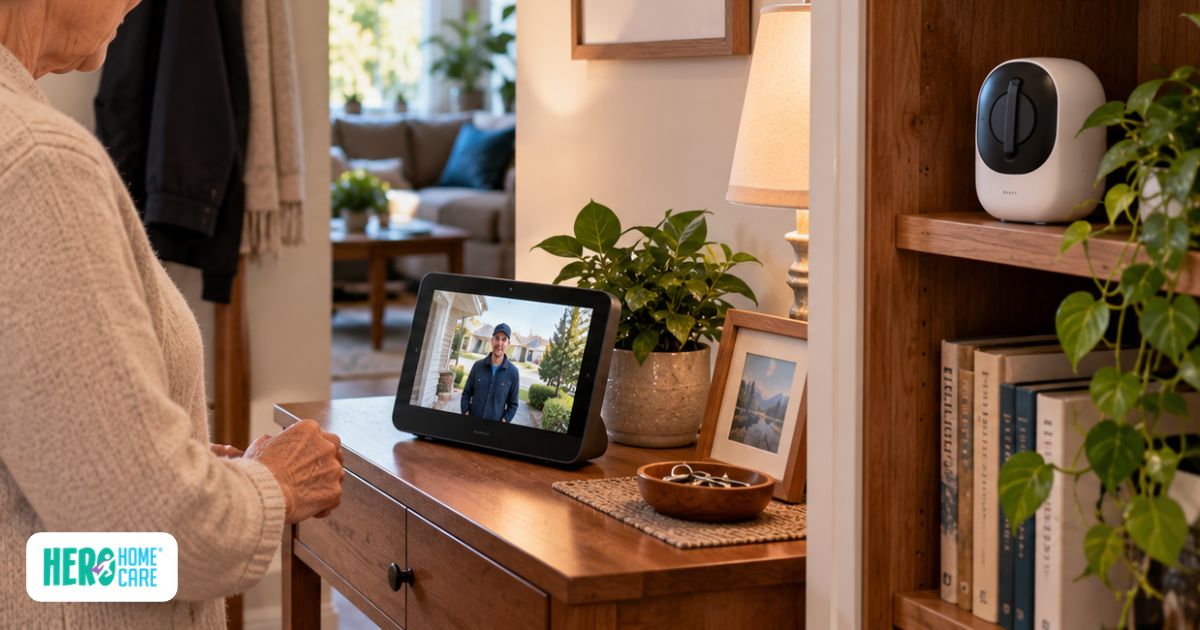
Video Doorbells and Indoor Cameras with Dignity-First Privacy Controls
Video doorbells and indoor cameras serve different purposes. A video doorbell provides information about an entrance, while an indoor camera observes activity inside the home and creates substantially greater privacy concerns.
Depending on the model and configuration, a video doorbell may provide:
- Visitor alerts
- Live viewing
- Two-way audio
- Stored recordings
- Shared user access
Two-way audio may allow the resident to speak with someone before deciding whether to answer the door. However, seeing or speaking with a visitor does not verify their identity or prove their intentions.
Recording availability, retention, storage location, subscription requirements, and user permissions vary between products.
Indoor cameras should be considered only for a clearly defined need. Before installing one, ask whether a less intrusive option—such as a door sensor, water-leak detector, or motion-activated light—could address the same concern.
If an indoor camera is being considered, discuss:
- Its field of view
- Whether audio is recorded
- Who can access live or stored footage
- Where recordings are stored
- How long recordings remain available
- Whether the camera can be turned off
- Whether privacy zones are supported
- Whether separate user permissions are available
- How visitors and workers entering the home may be affected
Families should also check any privacy, tenancy, workplace, or recording requirements that may apply before capturing video or audio of caregivers, visitors, tenants, or other people entering the home.
“Dignity-first” is a decision-making principle, not a standardized camera setting. The older adult’s autonomy, preferences, privacy, and ability to participate in the decision should remain central.
The Office of the Privacy Commissioner of Canada also provides guidance on smart devices and your privacy.
Cameras are not substitutes for clinical monitoring, medical-alert services, emergency response, or in-person care.
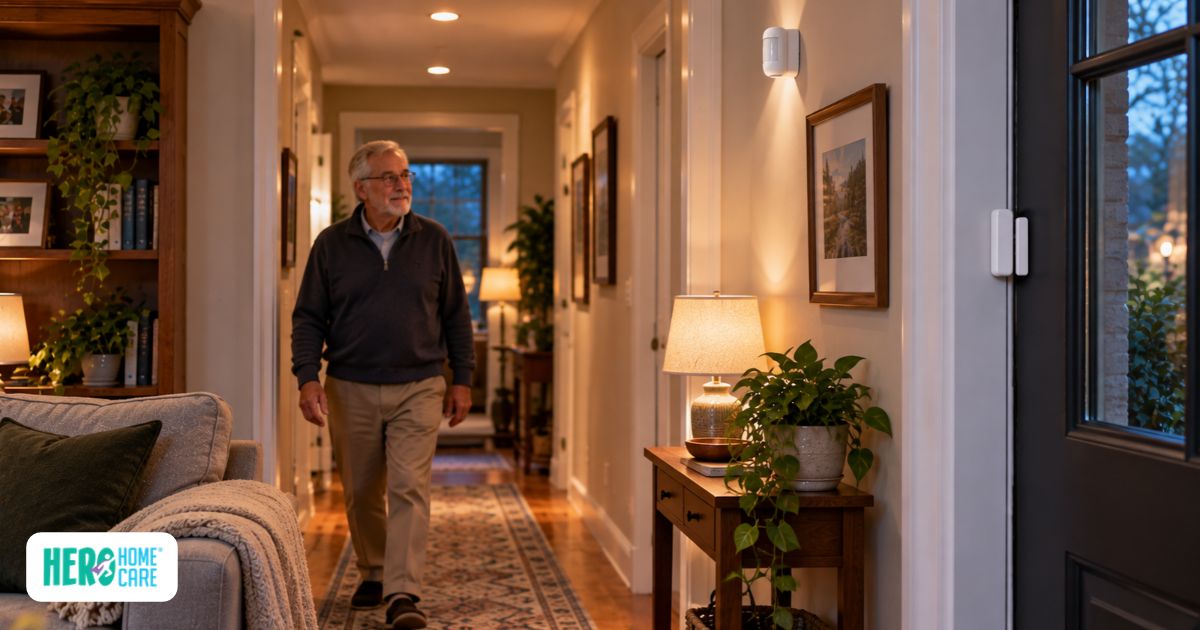
Environmental and Motion Sensors as Less Visually Intrusive Options
Environmental, contact, and motion sensors can report specific events without continuously recording video. They may be less visually intrusive than cameras, but they can still reveal information about household activity and routines.
Different sensors answer different questions:
- Motion-activated lighting: Turns on supported lighting after movement is detected. Appropriate lighting may contribute to broader fall-risk reduction, but it cannot prevent falls.
- Water-leak detectors: Report water detected at the sensor’s location. One sensor cannot detect every leak, and automatic shutoff requires equipment specifically designed for that function.
- Door and window contact sensors: Report whether a monitored entry changes between open and closed states. They cannot explain why the event occurred.
- Basic motion sensors: Report motion in a defined area. They do not independently decide that a routine is unusual, unsafe, or medically significant.
A basic door sensor cannot determine that a front door remaining closed all morning is abnormal. Interpreting patterns requires a system specifically designed for that purpose, along with a clear understanding of how it processes data and what its alerts mean.
Smart home hubs may help connect compatible sensors and automate actions such as turning on a light. Compatibility should be confirmed before purchase, as devices using different ecosystems or communication standards may require separate hubs or may not work together.
Event-based devices can still reveal sensitive information about when someone wakes, moves through the home, or opens a door. Consent, administrator access, and notification recipients therefore remain important.
These sensors should not be confused with medical-alert equipment or presented as offering fall detection, health monitoring, or emergency medical response unless the exact product is designed and supported for that purpose.
Connected equipment may help a family stay informed about specific events. It does not provide practical help with laundry, dishes, tidying, or other routine household responsibilities. When those tasks become difficult, homemaking services address a separate day-to-day need.
Key Features to Look For When Choosing Security Equipment for Older Adults
The most suitable senior cyber security devices and home-security equipment address a defined need without creating an unreasonable maintenance, privacy, or access burden. Consider how each product works on an ordinary day and what happens when its power, internet connection, subscription, hub, or primary administrator becomes unavailable.
| What to Check | Why It Matters | Questions to Ask Before Choosing |
| Automatic Maintenance | Automatic firmware and security updates can reduce upkeep, but batteries, accounts, and subscriptions may still need attention. | Does it update automatically? What maintenance remains? Who will be responsible? |
| Accessible Controls | The interface should reflect the older adult’s vision, dexterity, cognition, preferences, and comfort with technology. | Are controls readable and manageable? Would large buttons, a clear keypad, tactile feedback, or high contrast help? |
| Voice-Control Suitability | Voice control may help some users but can create privacy, recognition, or accidental-activation concerns for others. | Is voice control genuinely useful? Can it be disabled? What information does the voice service collect? |
| Remote Family Management | Remote access may help an authorized relative provide technical support without visiting for every setting change. | Are separate accounts or limited permissions available? Can access be removed? Is MFA supported? |
| Power and Internet Backup | Some functions may stop when power, internet, a hub, or cloud service becomes unavailable. | What continues working during an outage? Is battery or cellular backup included, optional, or unavailable? |
| Security Support | Updates and account protections can reduce avoidable risks over the product’s useful life. | How long will security updates be provided? Is account recovery documented? |
| Privacy and Data Handling | Connected equipment may collect video, audio, access, location, or activity information. | What is collected? Where is it stored? Who can access it? Can unnecessary collection be disabled? |
| Compatibility and Hubs | Additional hardware or ecosystem requirements can make a setup harder to manage. | Does it work with existing equipment? Is a smart home hub or separate account required? |
| Ongoing Costs | Subscriptions, storage, batteries, accessories, and replacement equipment affect long-term cost. | Which features require payment? What changes when a subscription ends? |
| Recovery and Handover | A system may become difficult to manage if its only administrator is unavailable. | Is there a recovery plan? Can responsibility be transferred without losing access? |
Choose the simplest secure network hardware or household equipment that addresses the actual problem. Make sure the older adult and anyone helping with the system understand who controls it, what information it collects, and which functions depend on external services.
How Hero Home Care Supports Physical Safety Alongside Security Technology
Security equipment can help with defined household concerns, but it cannot understand the person behind an alert or provide practical assistance when daily life becomes harder. Hero Home Care’s role is human-led care shaped around the customer’s routines, preferences, home environment, and changing support needs.
During a free in-home Care Consult, the family has an opportunity to talk through what is happening at home and which parts of the day have become harder to manage. Hero Home Care’s nurse care management includes home-safety assessment, Care Plan development and oversight, and ongoing support for the care team.
A home-safety assessment in this context concerns the customer’s care needs and everyday living environment. It is not a cybersecurity review and does not include selecting, installing, configuring, or managing routers, cameras, smart locks, medical-alert devices, or other connected equipment.
Technology may remain one part of the household while Hero’s thriving at home support helps with familiar routines, engagement, and practical assistance. Where household tasks have become difficult, homemaking services may provide help with responsibilities such as tidying, laundry, and dishes.
Related: How We Create Personalized Care Plans at Hero Home Care
Different needs call for different types of human support. Companionship care focuses on conversation, connection, and shared activities. Families supporting a person with memory changes can also consider Hero Home Care’s dementia and Alzheimer’s care.
Hero Home Care serves families across North Vancouver, West Vancouver, and other Greater Vancouver communities. Its role remains centred on care and daily support rather than technology management.
Families considering additional help at home can arrange a free in-home Care Consult to discuss current routines, preferences, home-safety concerns, and support needs.
Source:
- Canadian Centre for Cyber Security—Router Cybersecurity Best Practices
- Office of the Privacy Commissioner of Canada—Smart Devices and Your Privacy
- NIST—Profile of the IoT Core Baseline for Consumer IoT Products
- NIST—Smart Home Security and Privacy Mitigations
- eero Help Center—How eeroOS Updates Work
- eero—eero Plus and Included Features
- NETGEAR—Armor
- NETGEAR Support—Activating Armor on Orbi
- ASUS Support—Configuring AiProtection Network Protection
- Firewalla—Firewalla Gold Plus
- 1Password—Sharing Passwords with Your Family
- 1Password—About 1Password Families
- Yubico—YubiKey FIDO2 Technical Documentation
- Schlage—Encode Smart WiFi Deadbolt
- Schlage—Encode Support and FAQs
- CISA—Implementing Phishing-Resistant MFA
- Government of British Columbia—Services Covered by MSP
- Government of British Columbia—MSP Benefits